
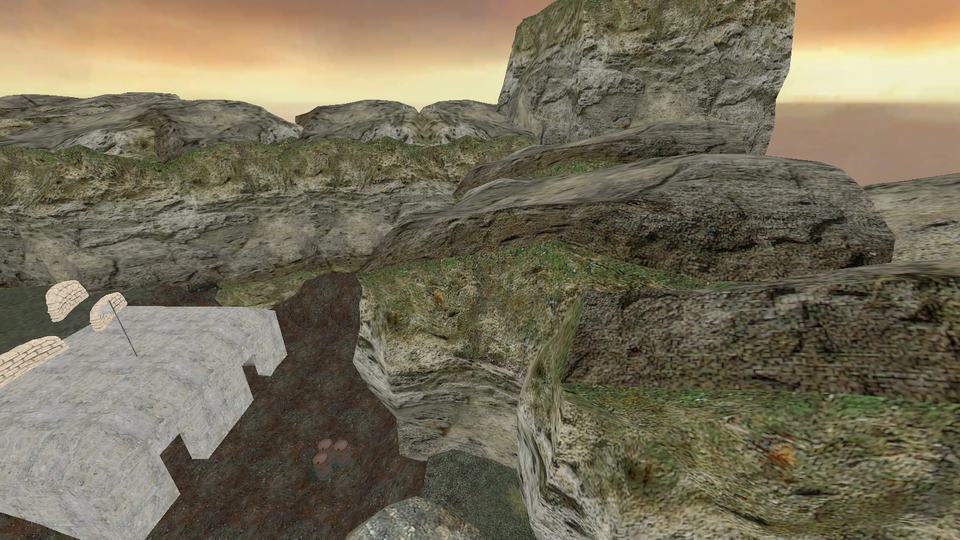
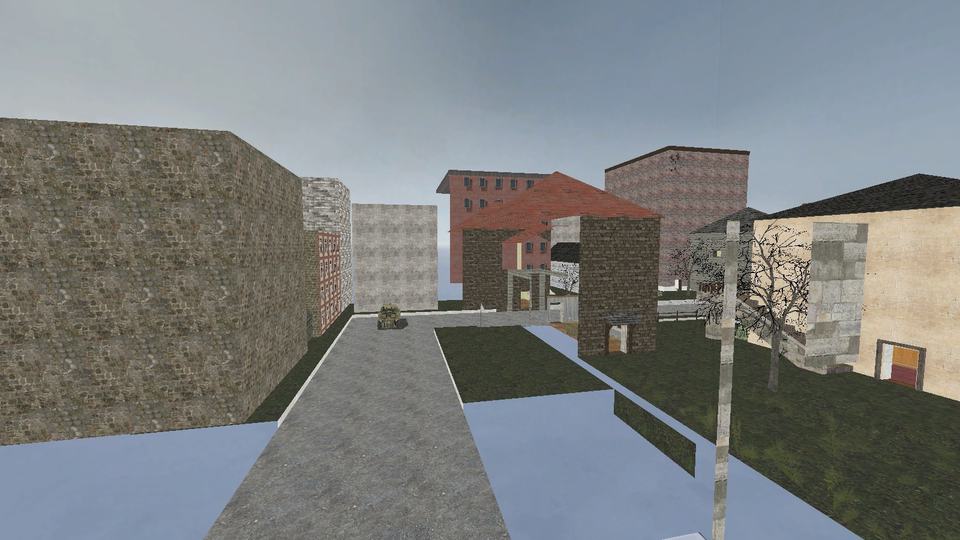
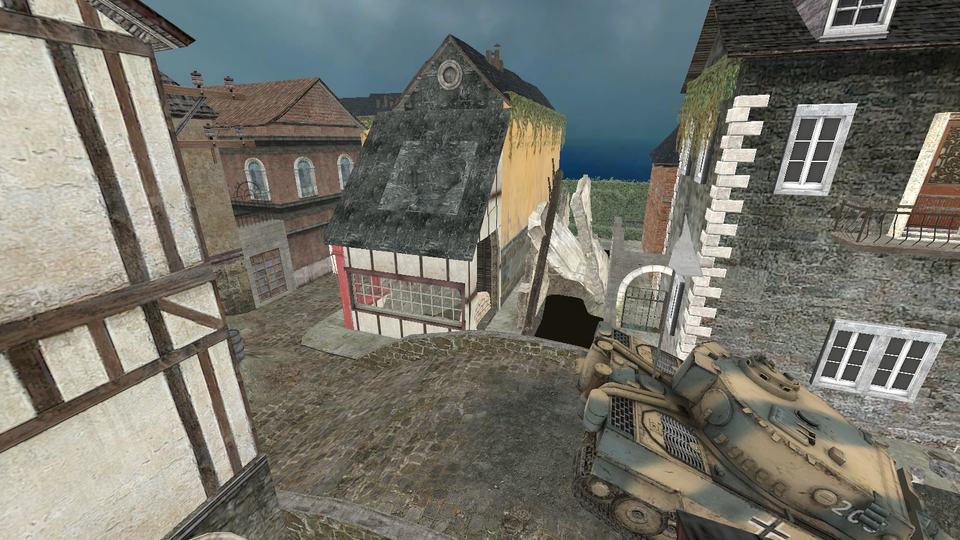
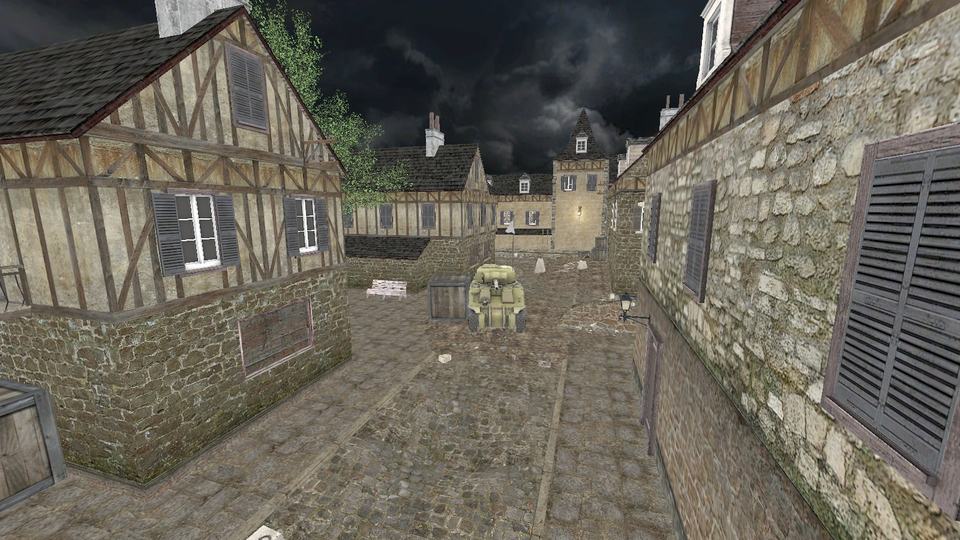
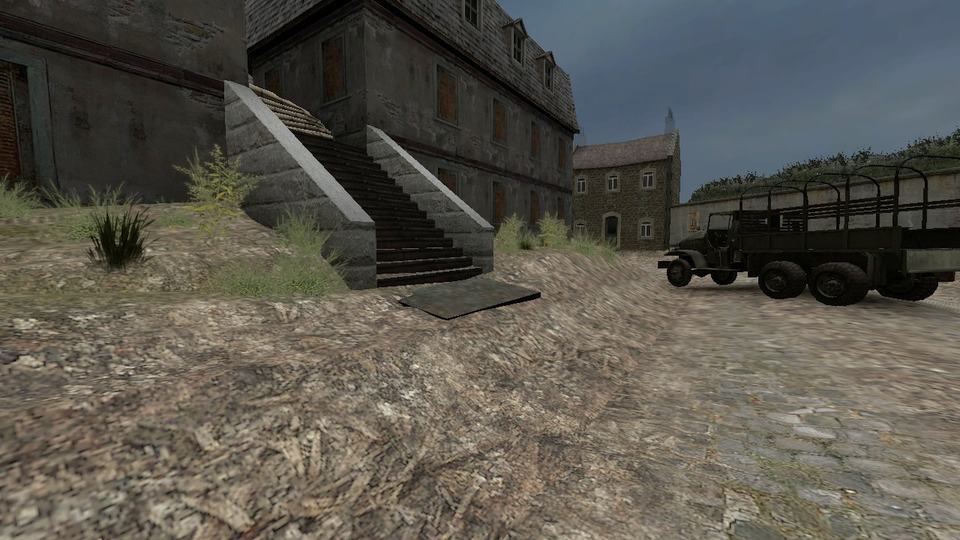
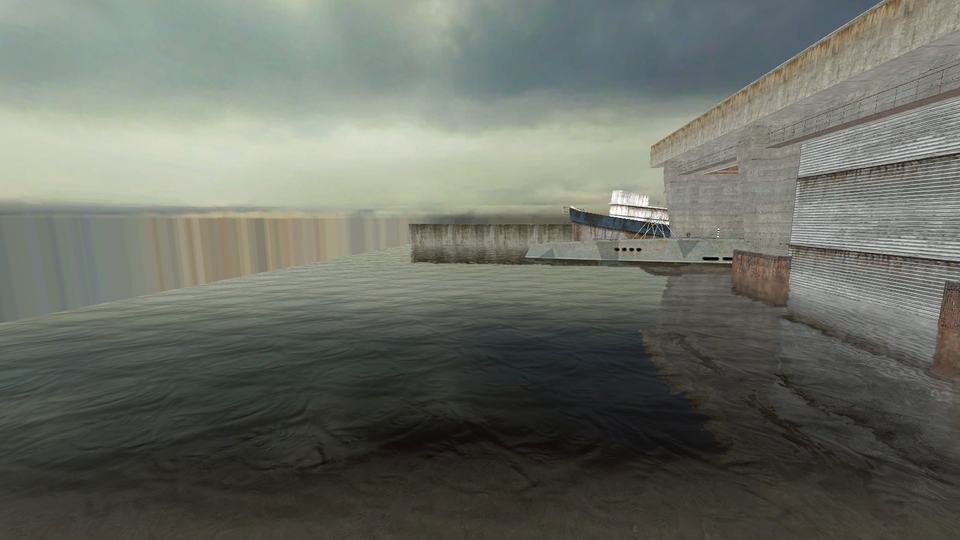
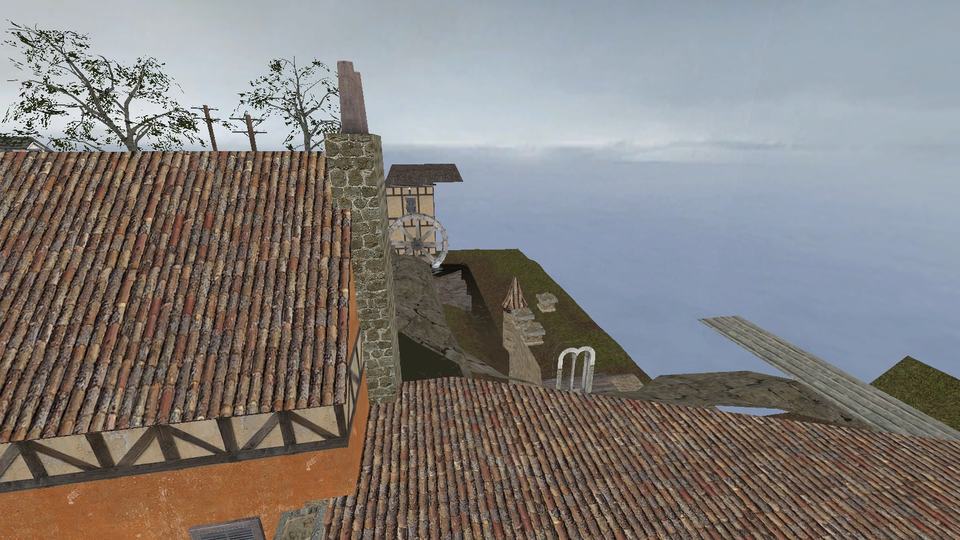
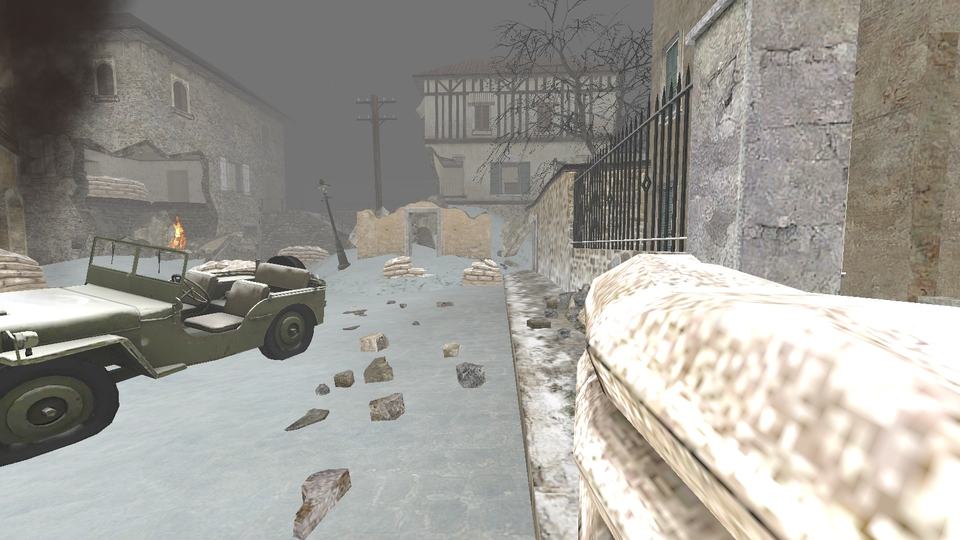
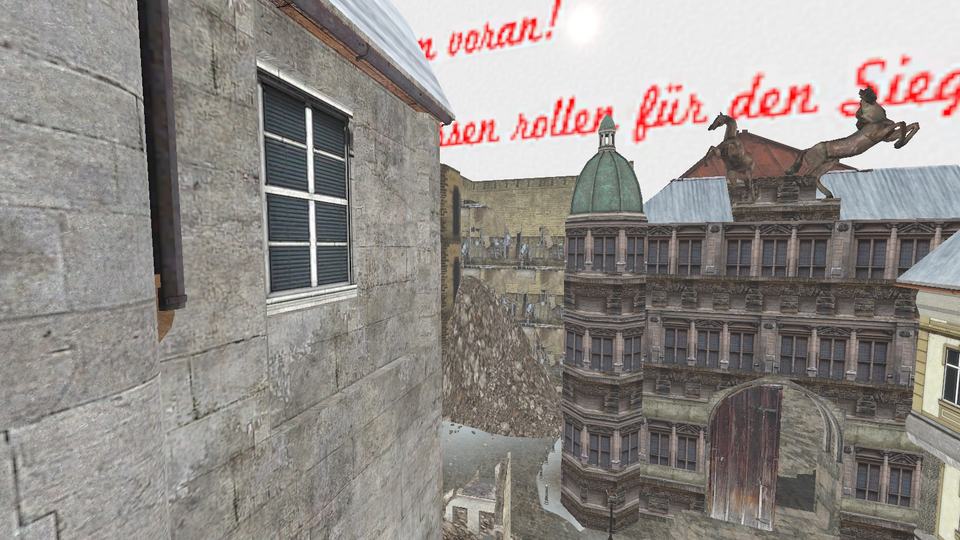
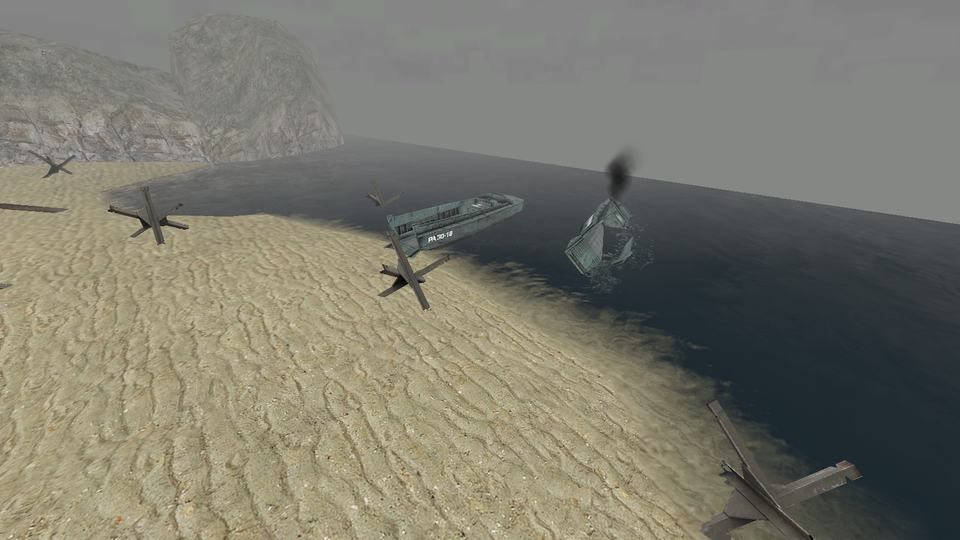
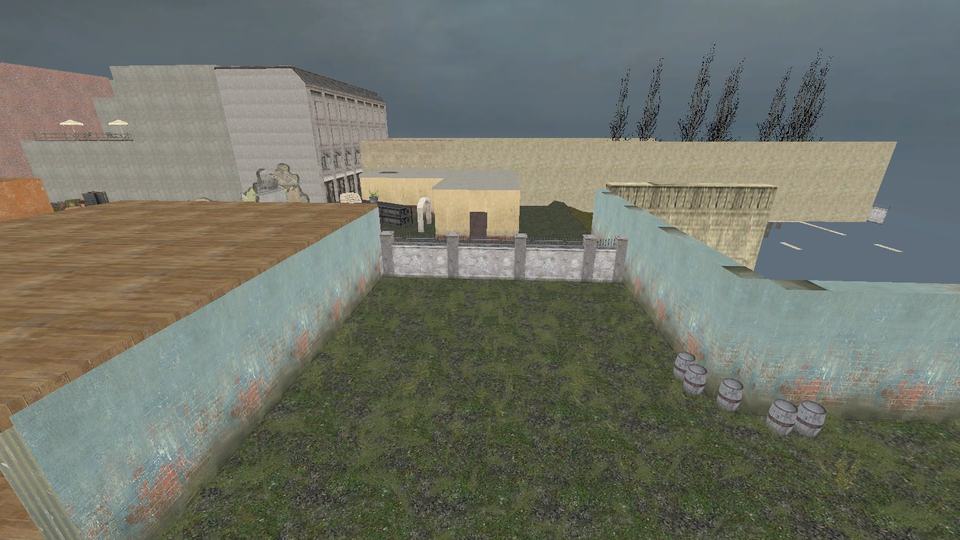
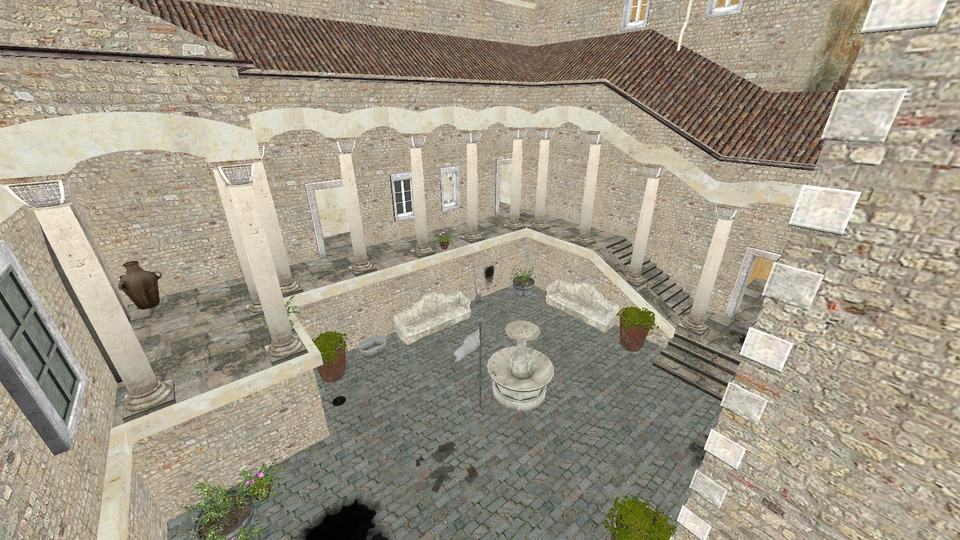

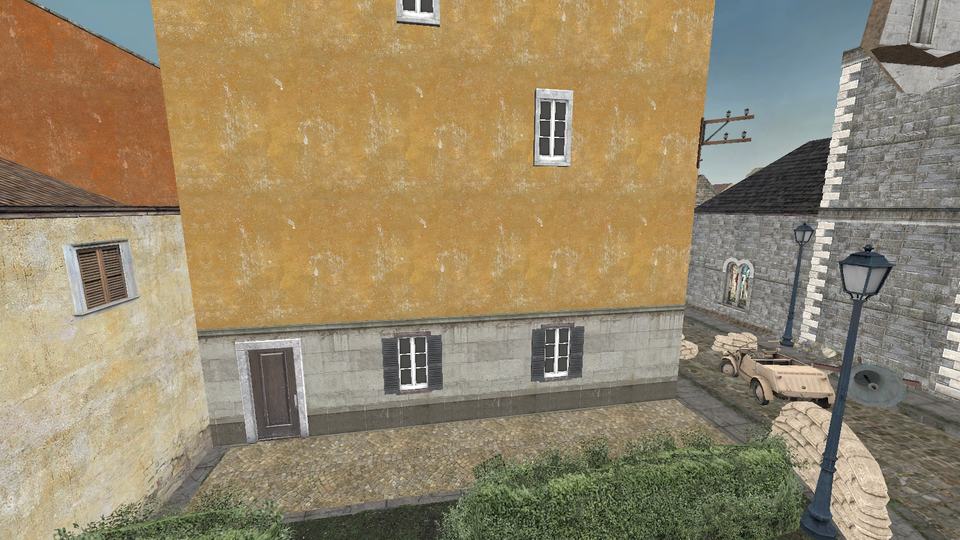
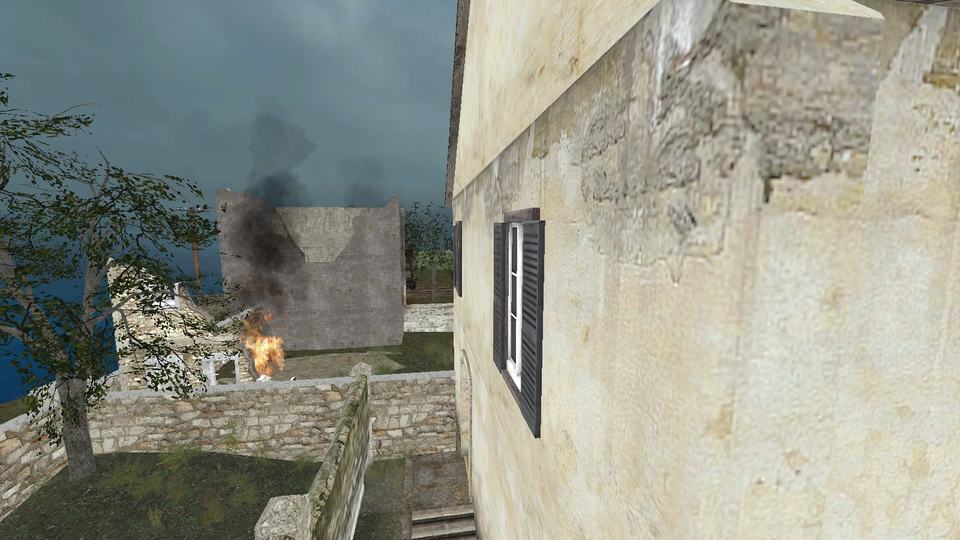
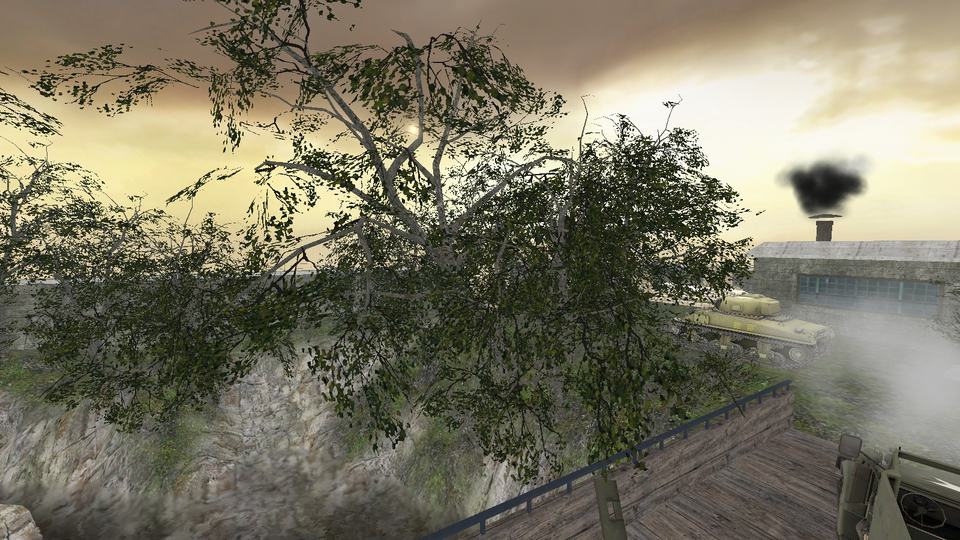
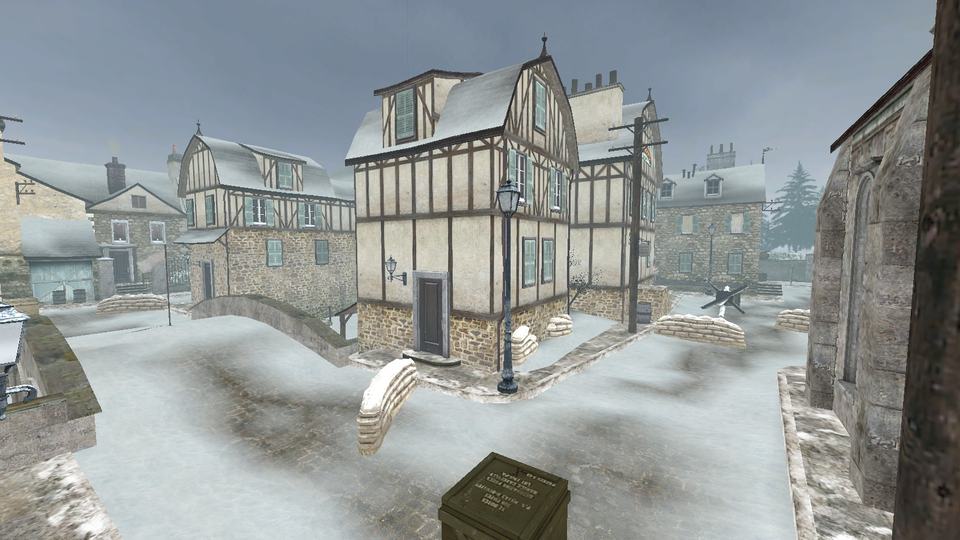
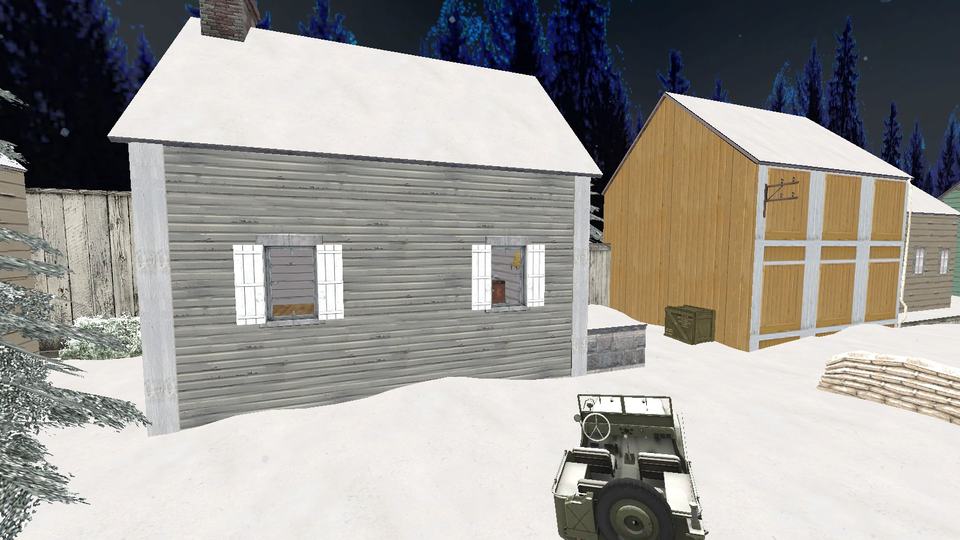
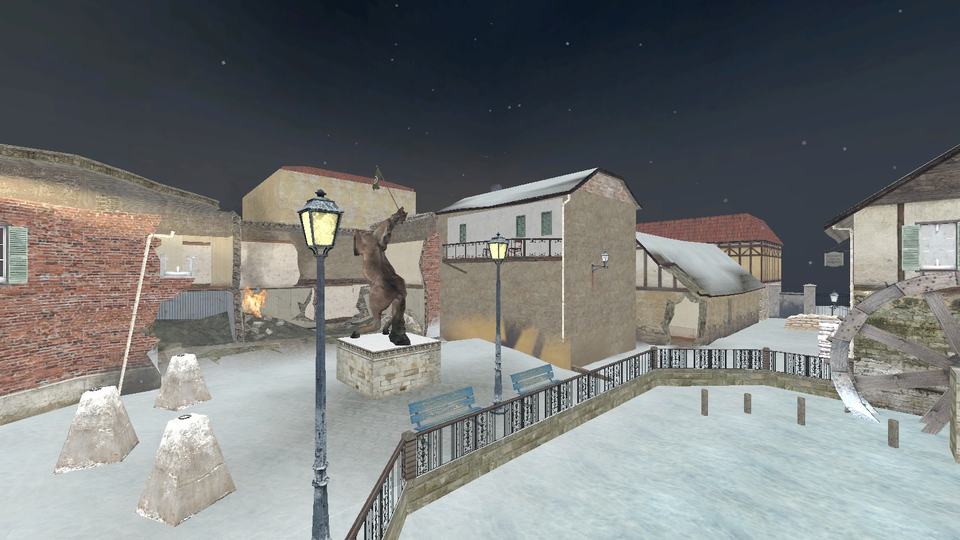
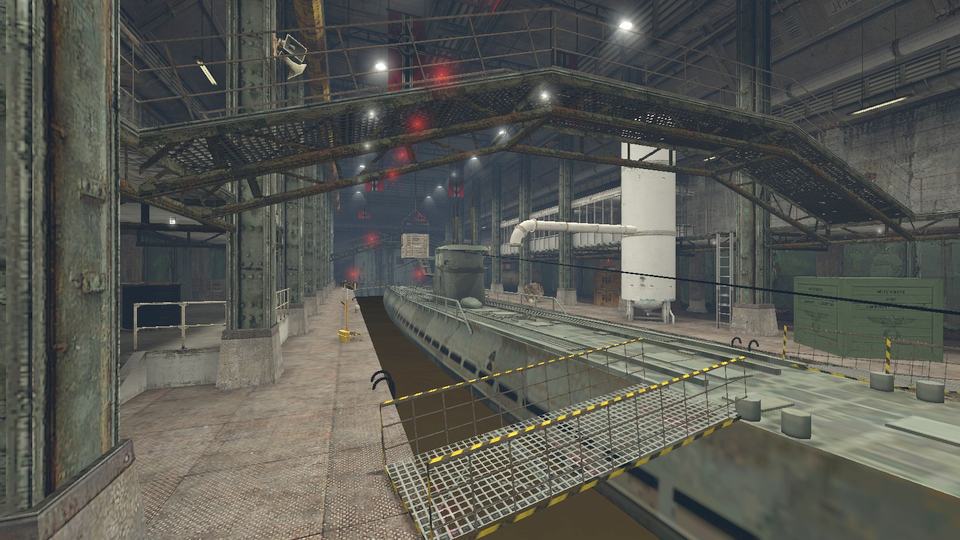
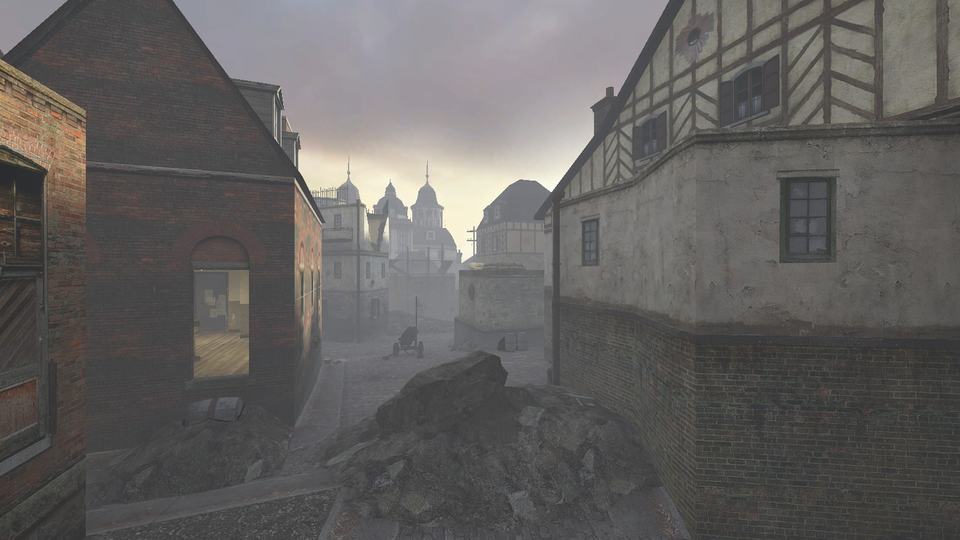
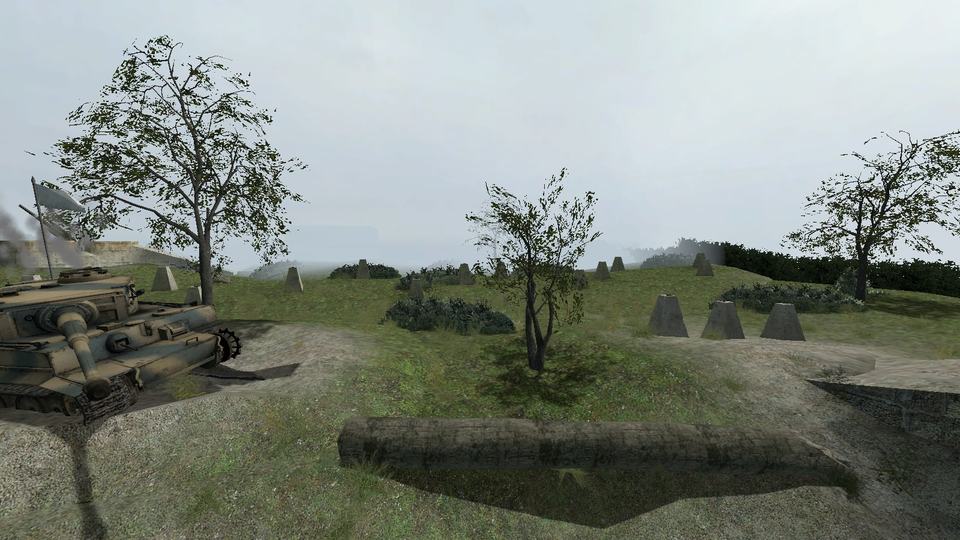
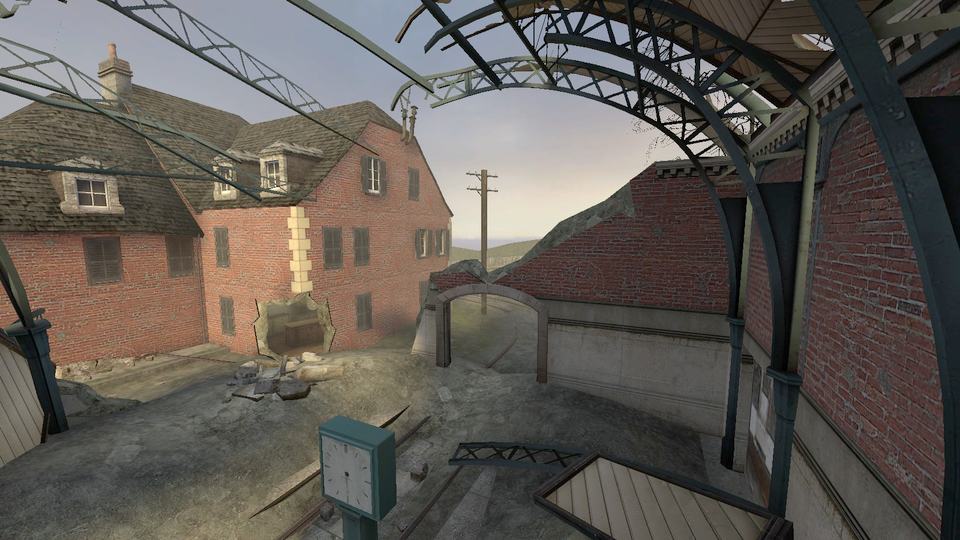
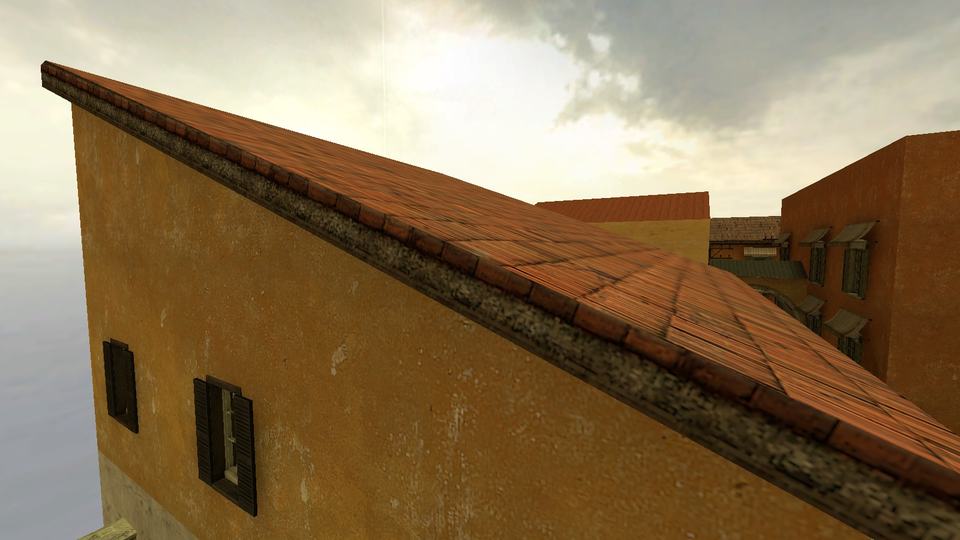
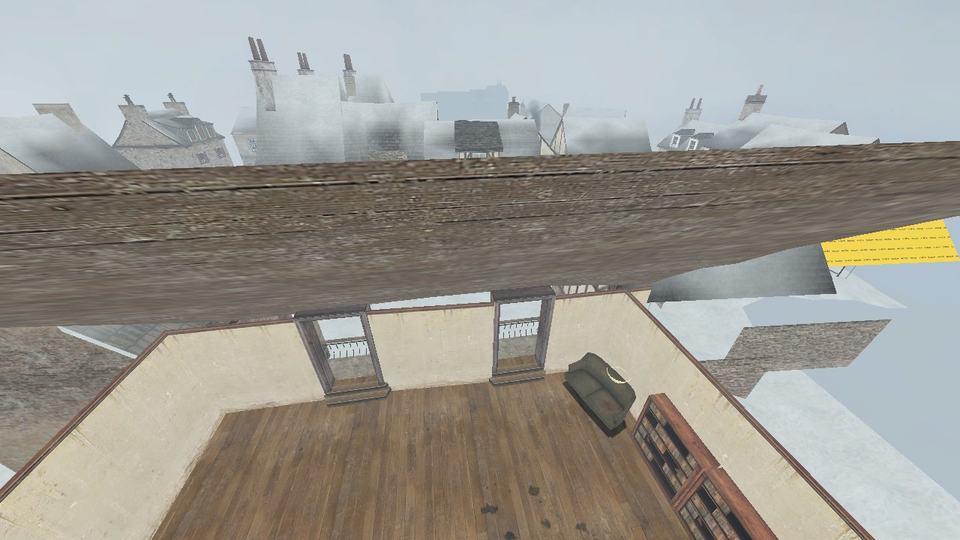
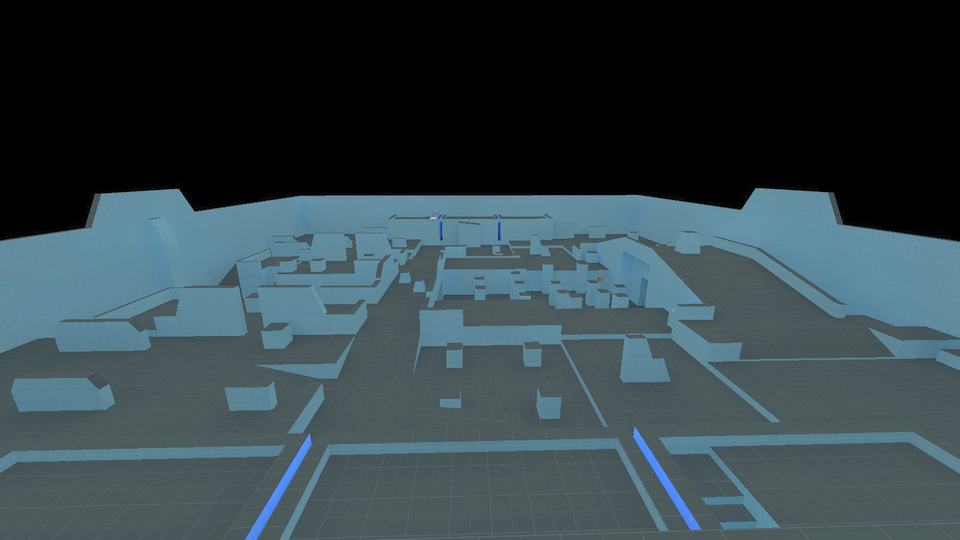
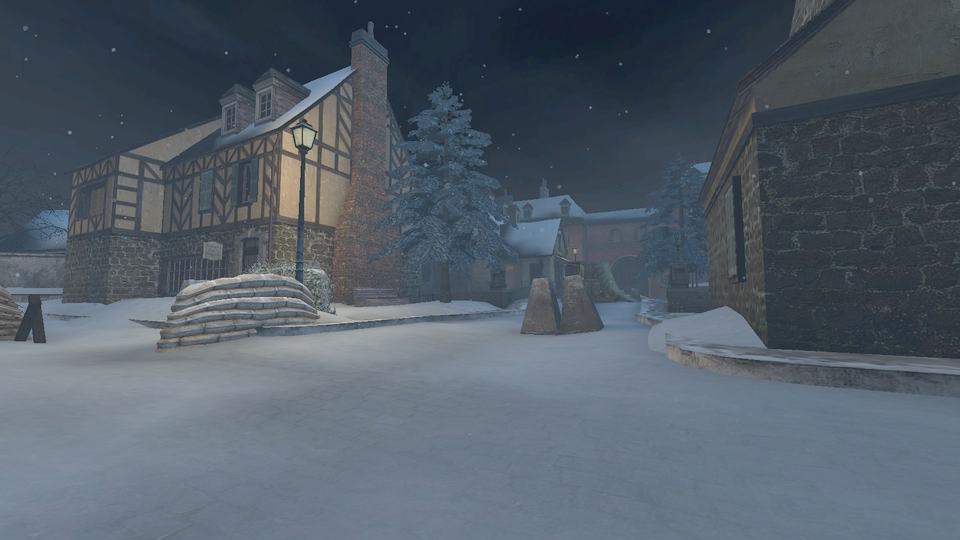
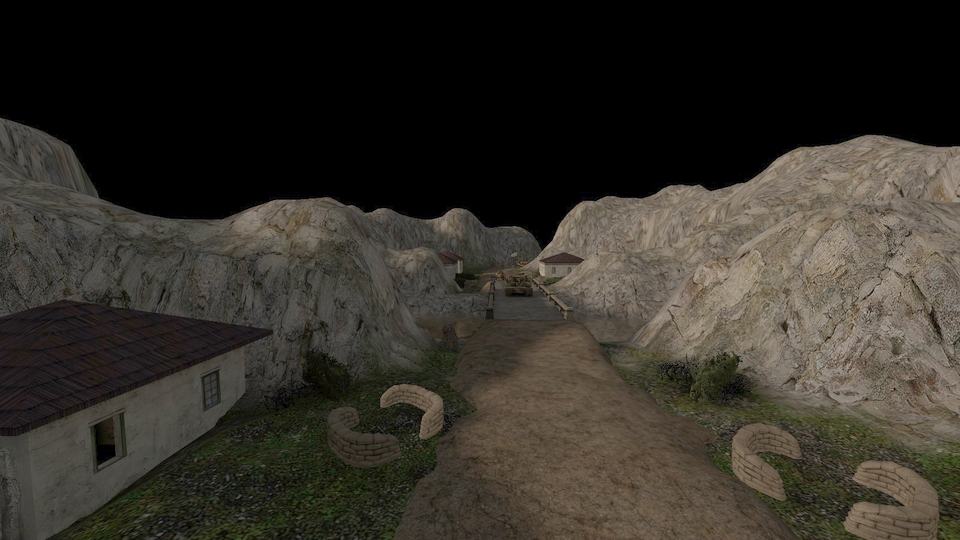
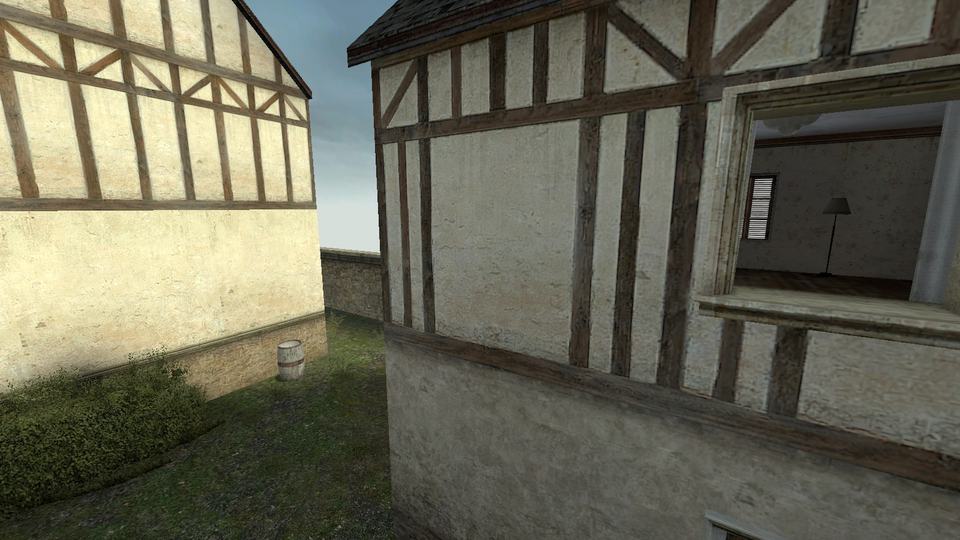
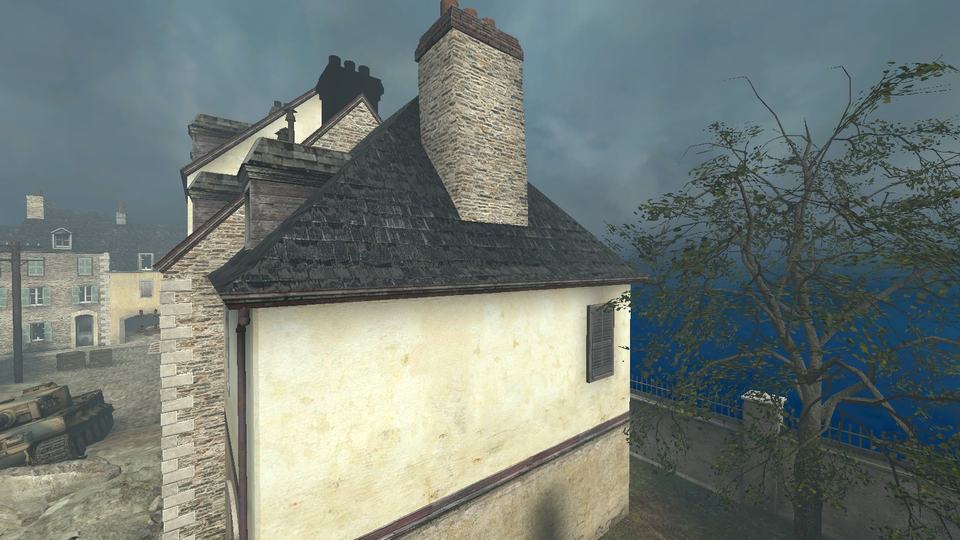
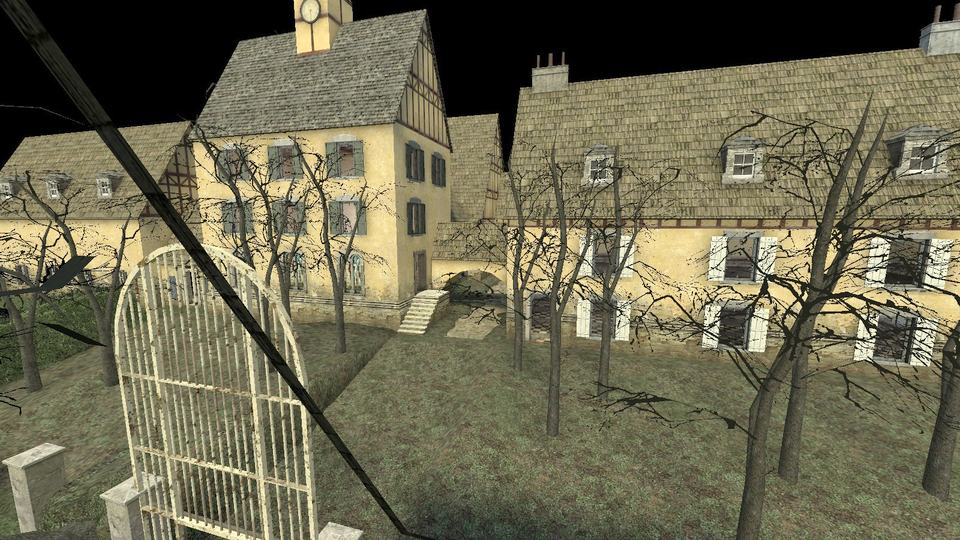
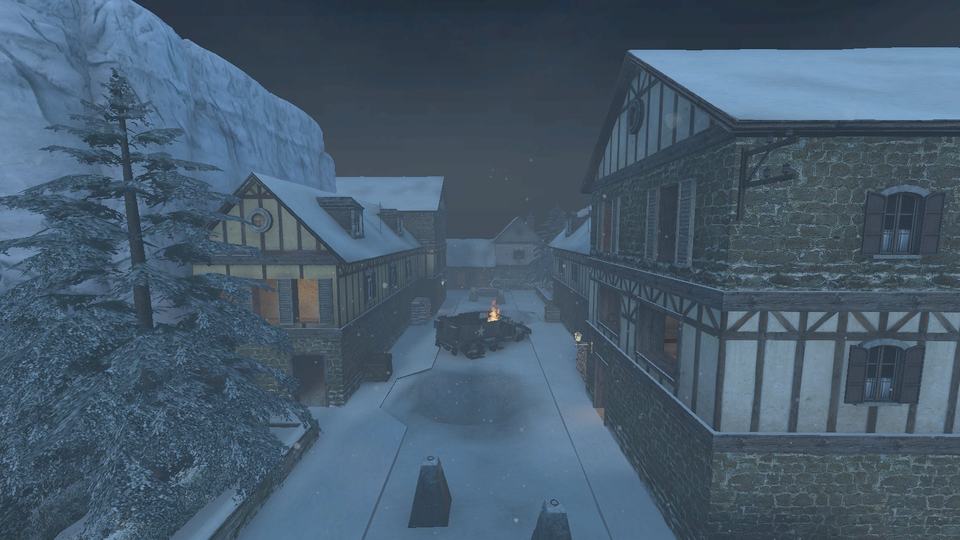
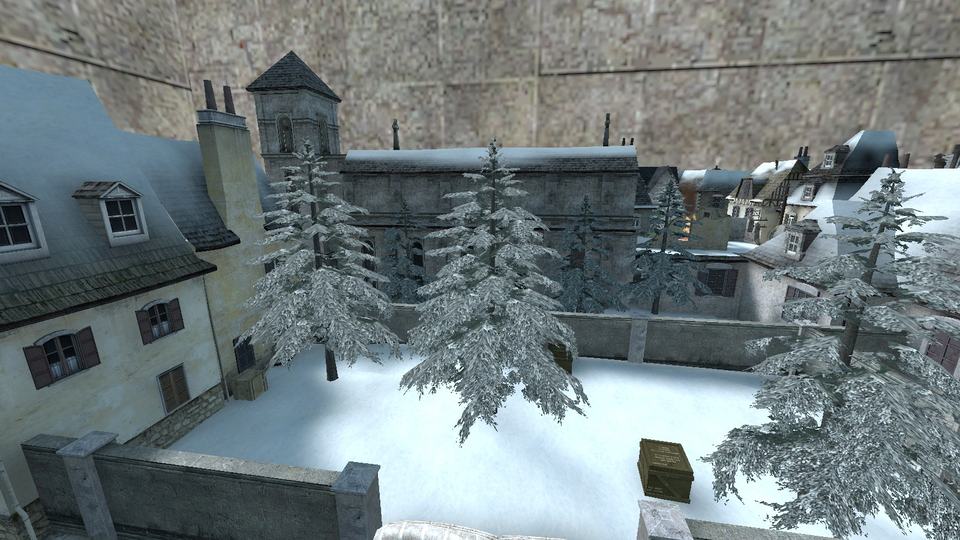
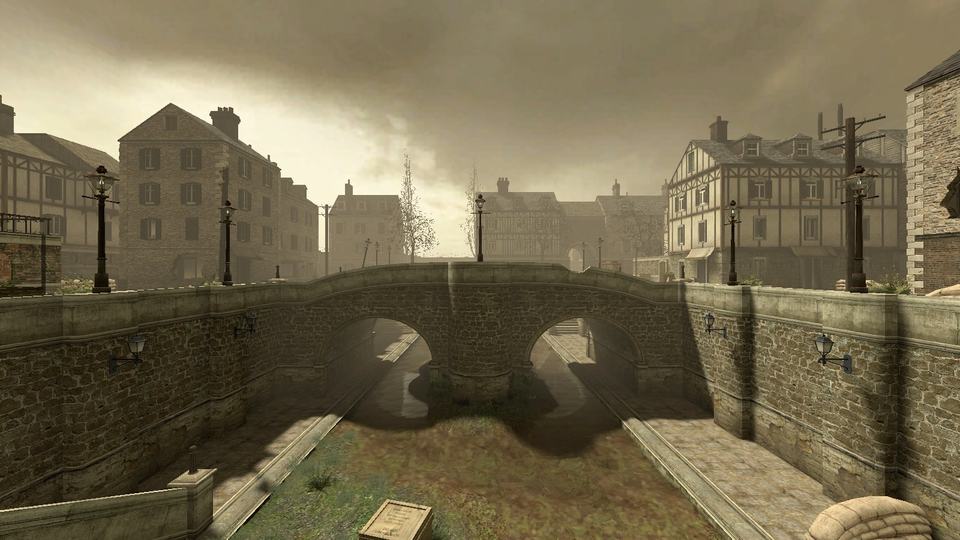

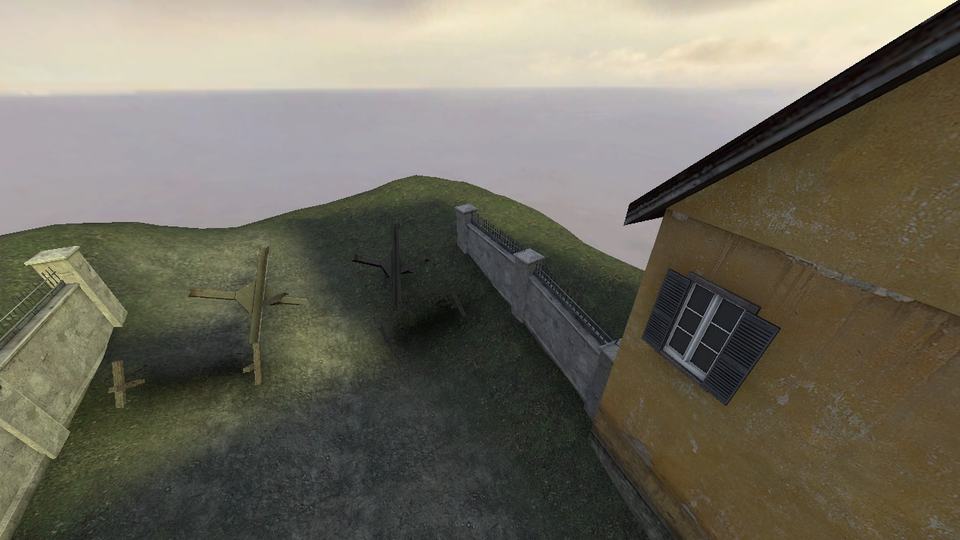
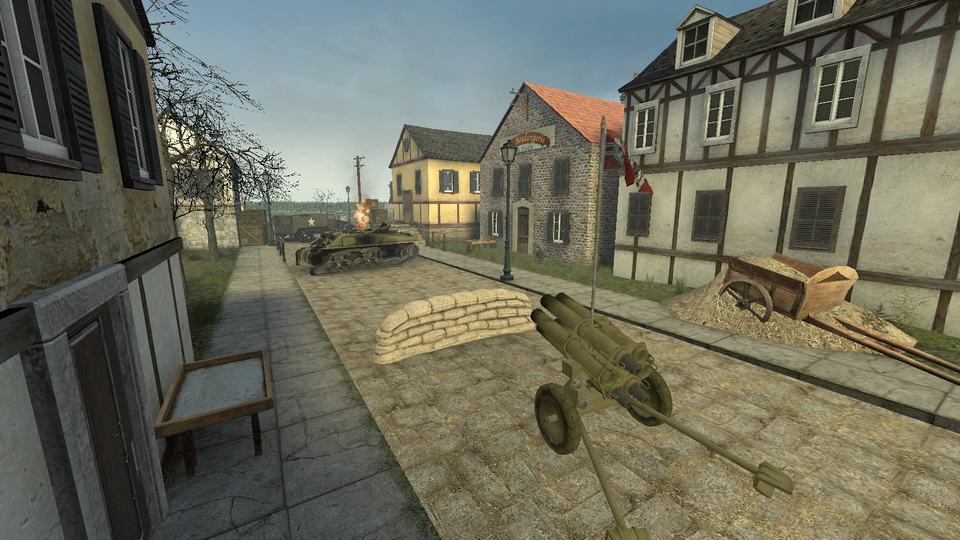
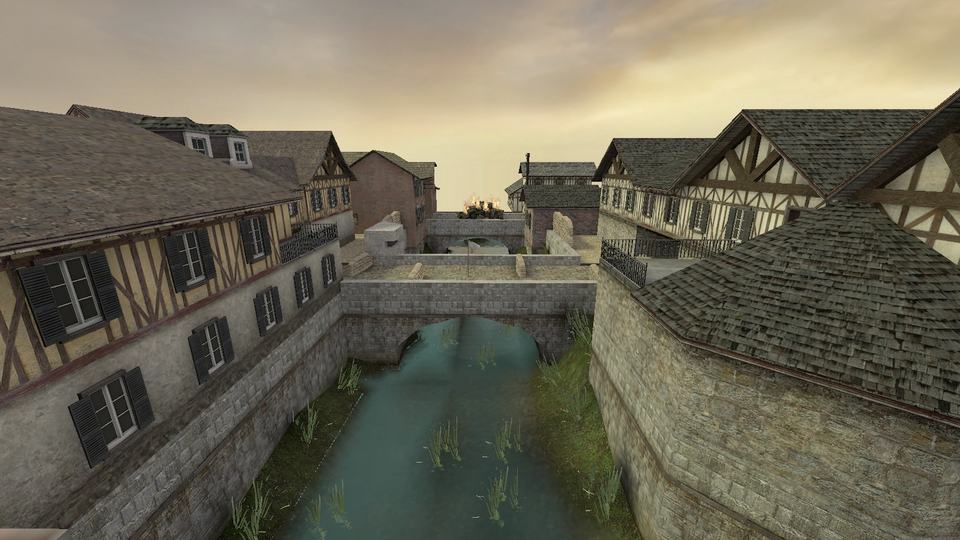
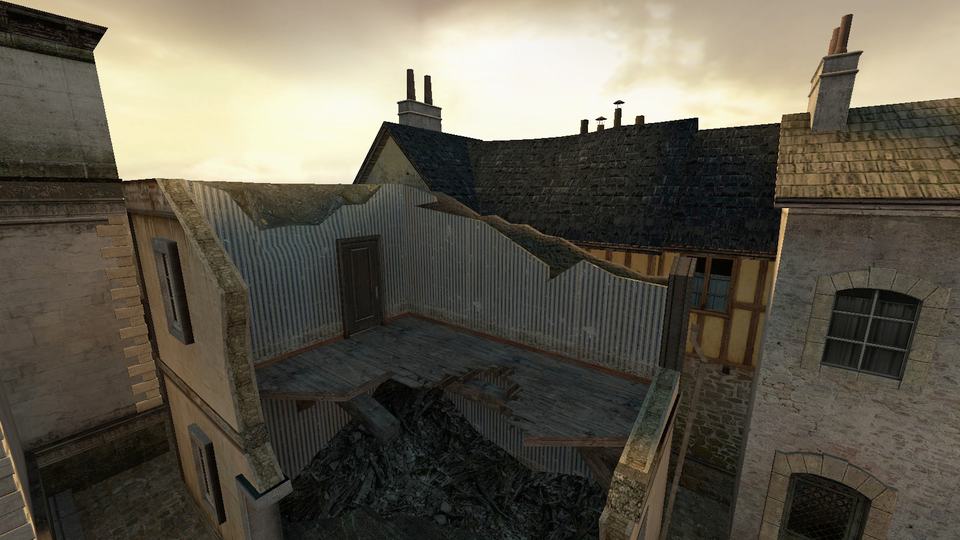
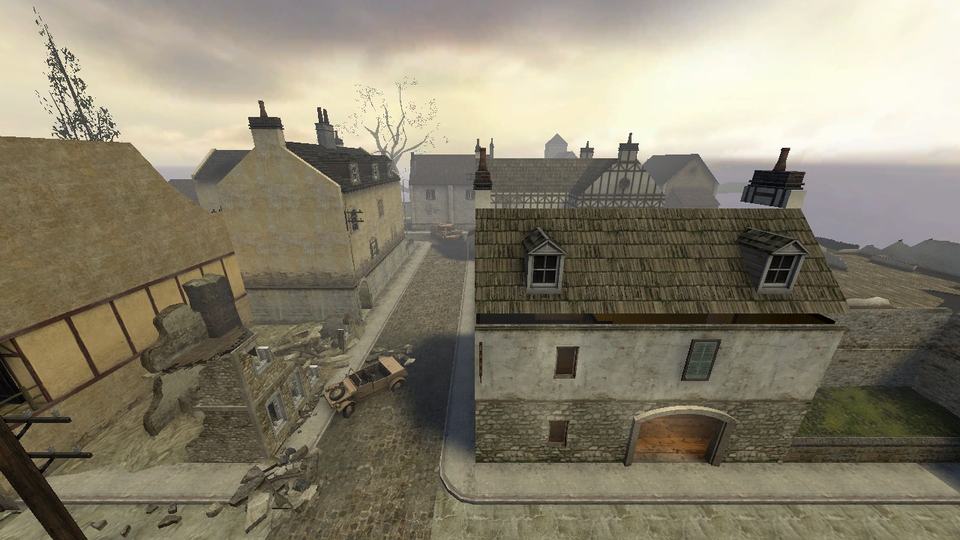
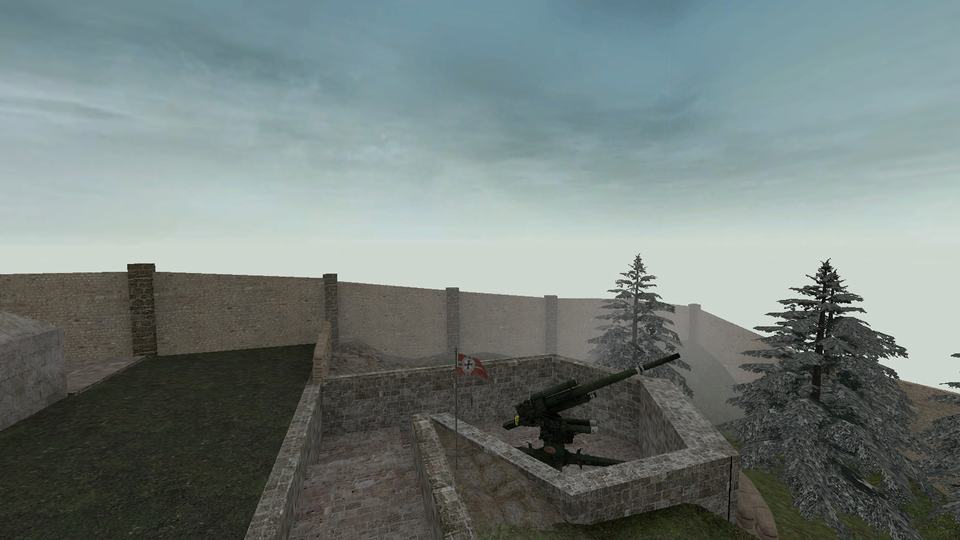
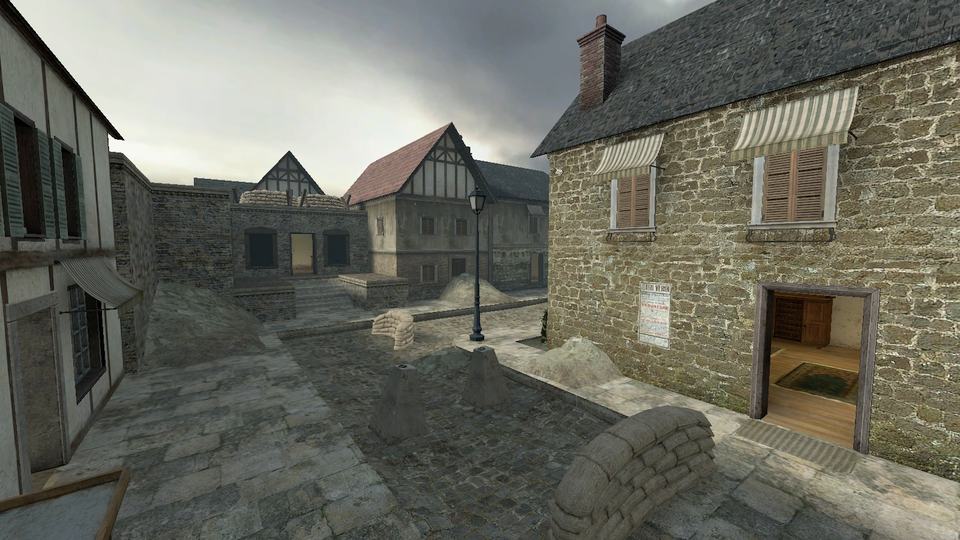
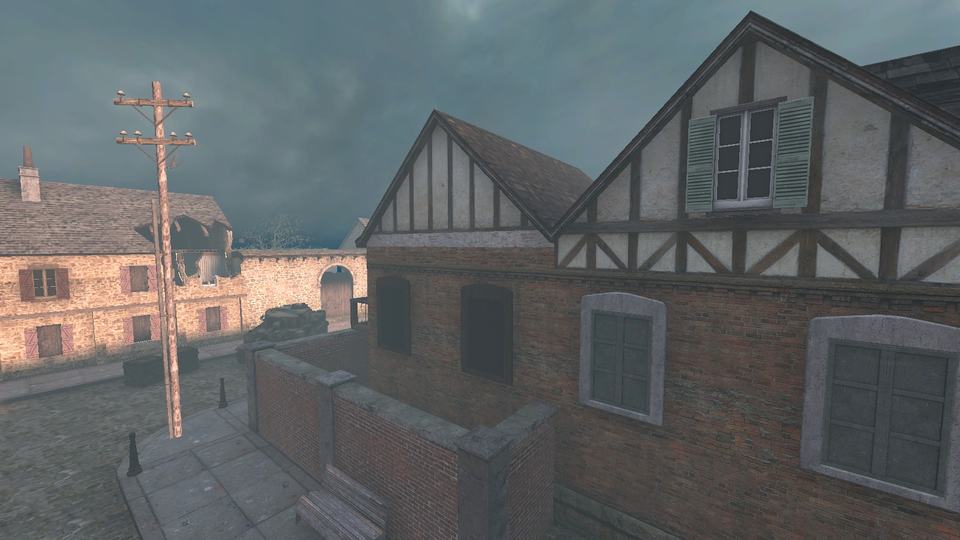
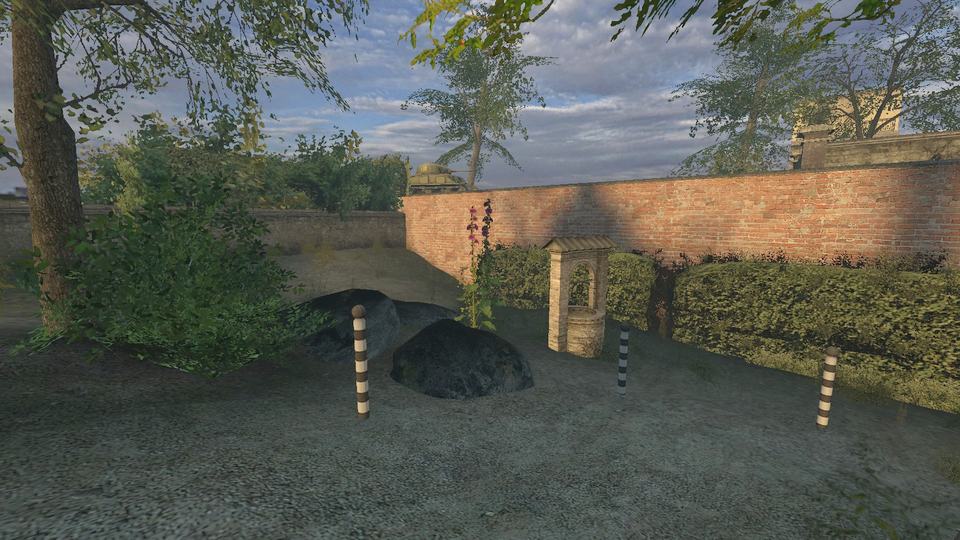
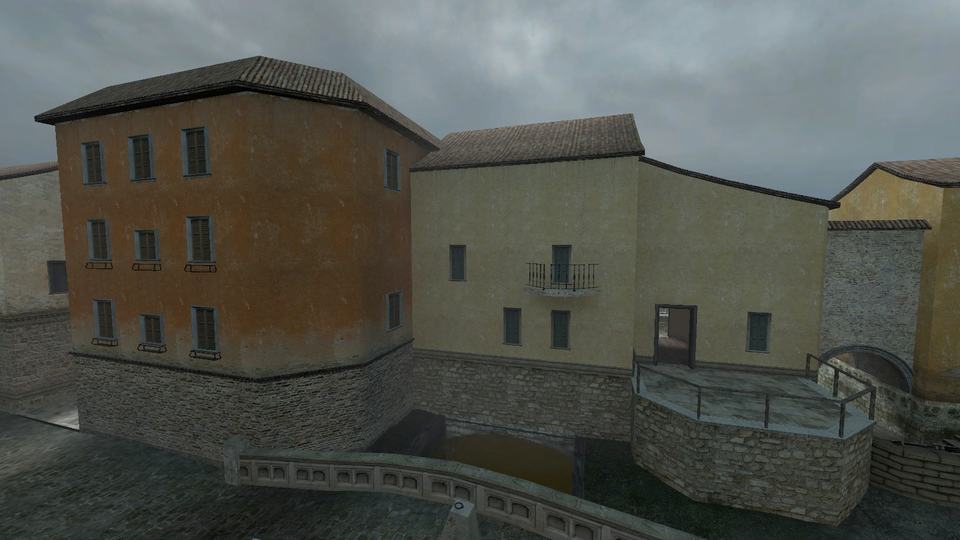
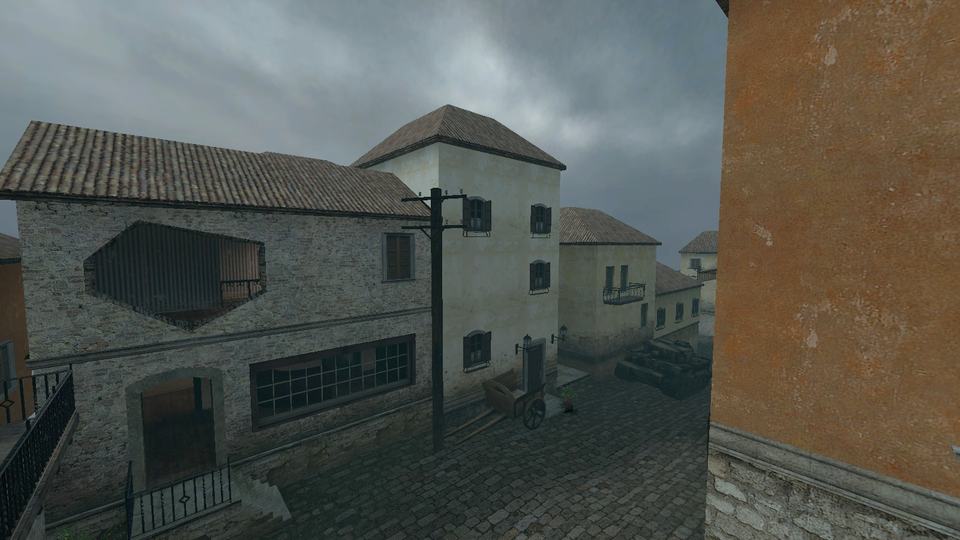
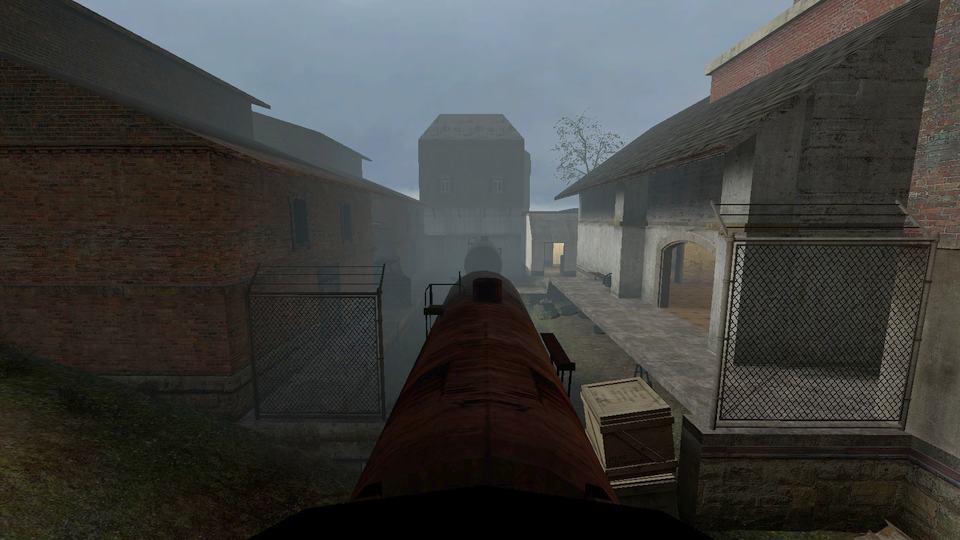
Try a map on your own before playing it online
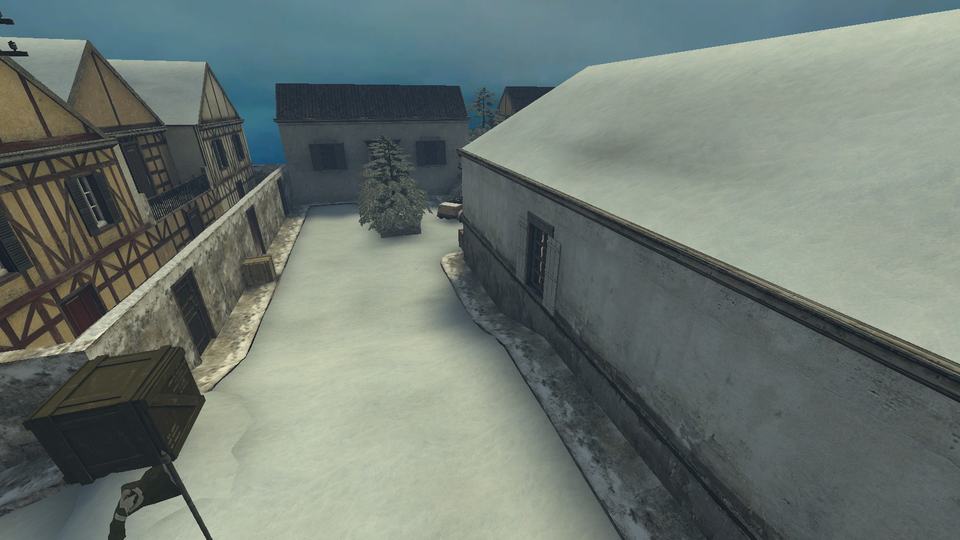
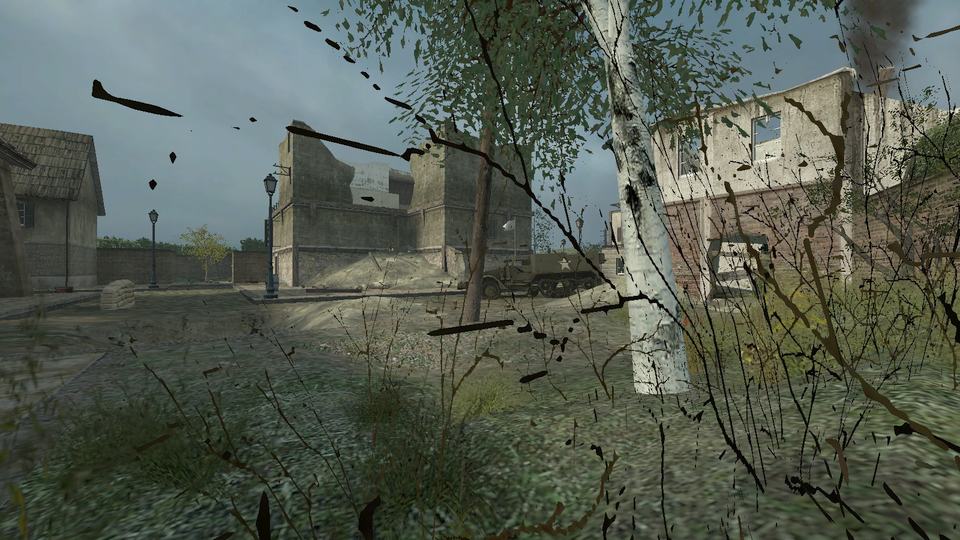
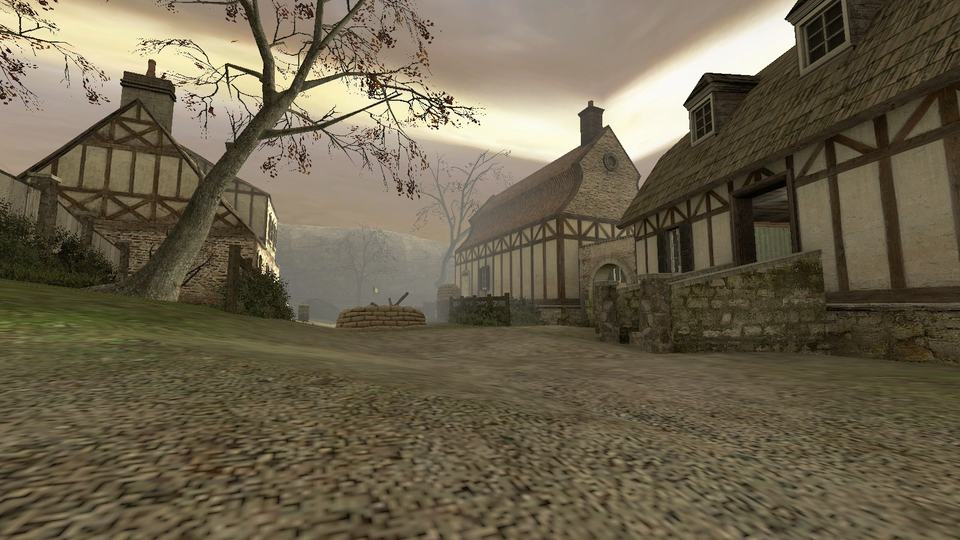
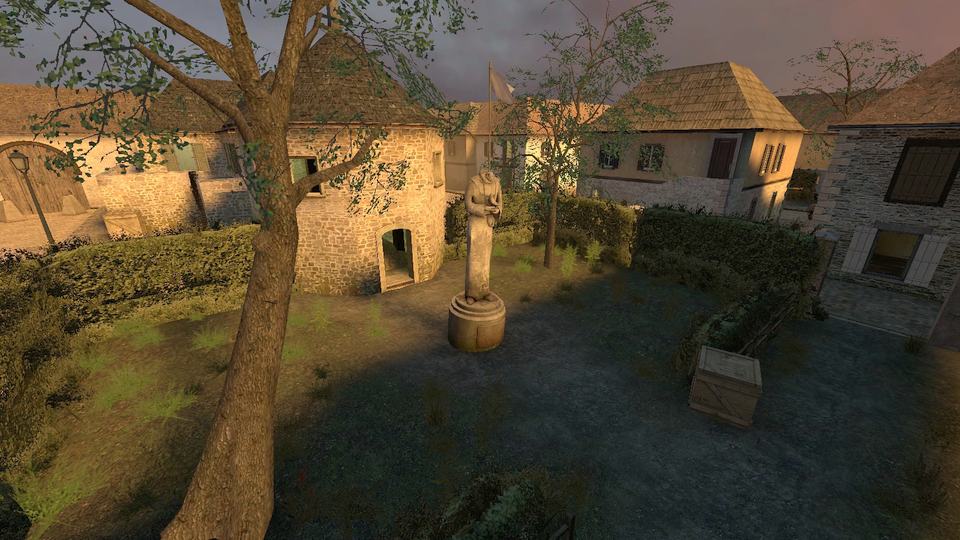
You can open any map by yourself, with nobody else around, to walk it and see if you like it. You do it by typing a short command in the game's console: a hidden box inside the game where you type commands.
- Copy the map's name. On the Maps tab of this page, click Copy next to the map you want.
- Turn on the console (only the first time). In the game, go to Options → Keyboard → Advanced…, tick Enable developer console, then click OK.
- Open the console. Press the ~ key (top-left of your keyboard, just under Esc). A box opens at the top of the screen.
- Open the map. Type the word
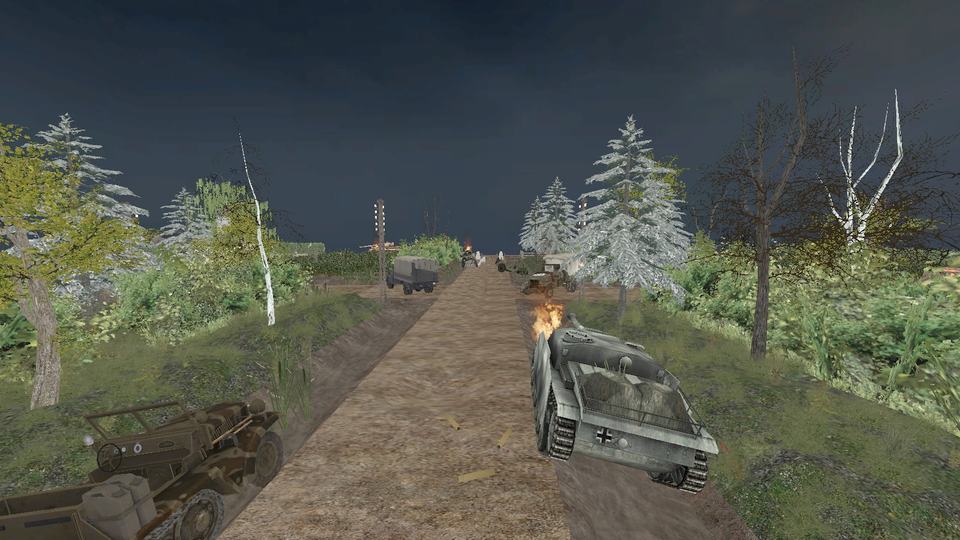
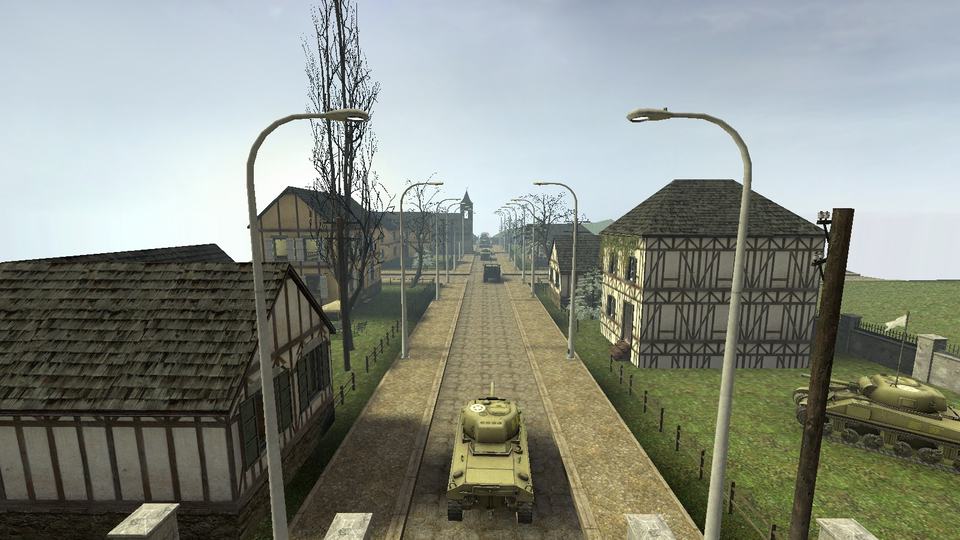
map, a space, then press Ctrl+V to paste the name, and press Enter. It looks like this:map dod_convoy
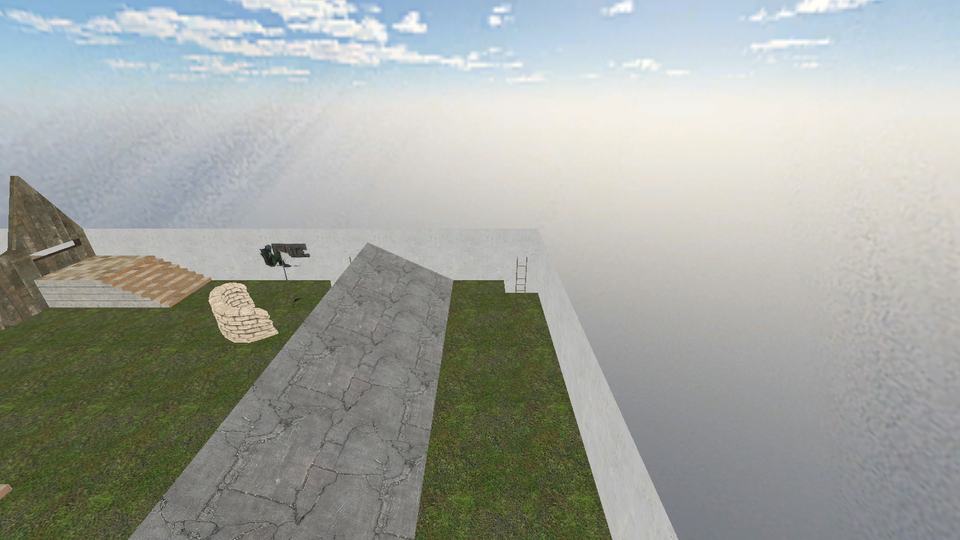
The map loads, just for you. - Want to fly around and see everything? Type
sv_cheats 1and press Enter, then typenoclipand press Enter. Now you can fly and pass through walls. Typenoclipagain to walk normally. - Done? Type
disconnectand press Enter to go back to the main menu.
It says the map can't be found? Your game doesn't have that map yet. Join the 415 server while that map is being played and your game downloads it by itself.